First 10 Minutes: Triggers Not Firing
When functions are not executing despite active trigger sources, use this checklist to narrow down the cause within the first 10 minutes.
Portal Walkthrough
These portal blades help diagnose triggers not firing. All captures from a Consumption (Y1) Function App with PII masked.
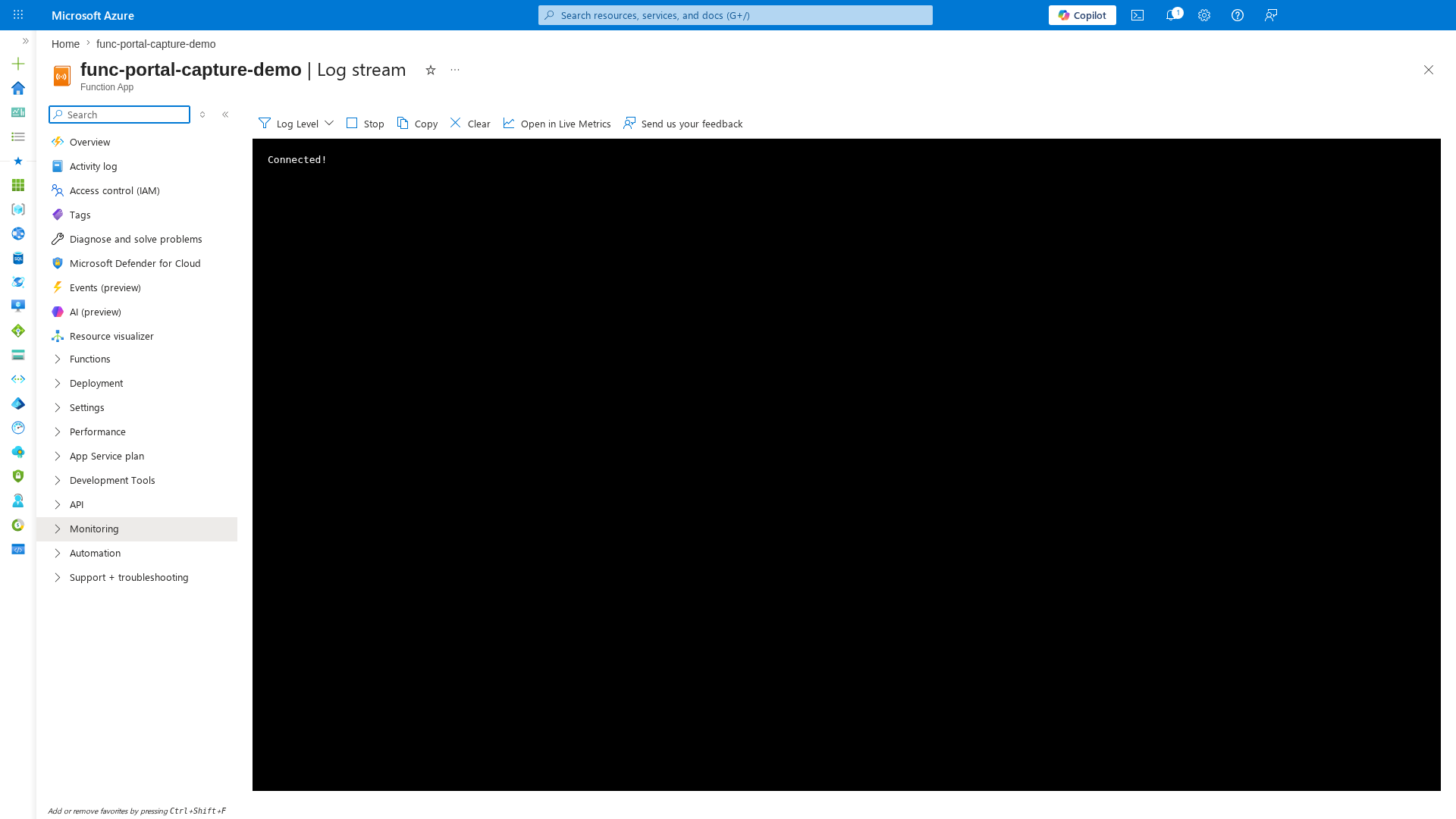
Log Stream
[Observed] The Log stream blade shows real-time host startup and trigger listener initialization. Look for binding errors or missing connection warnings:
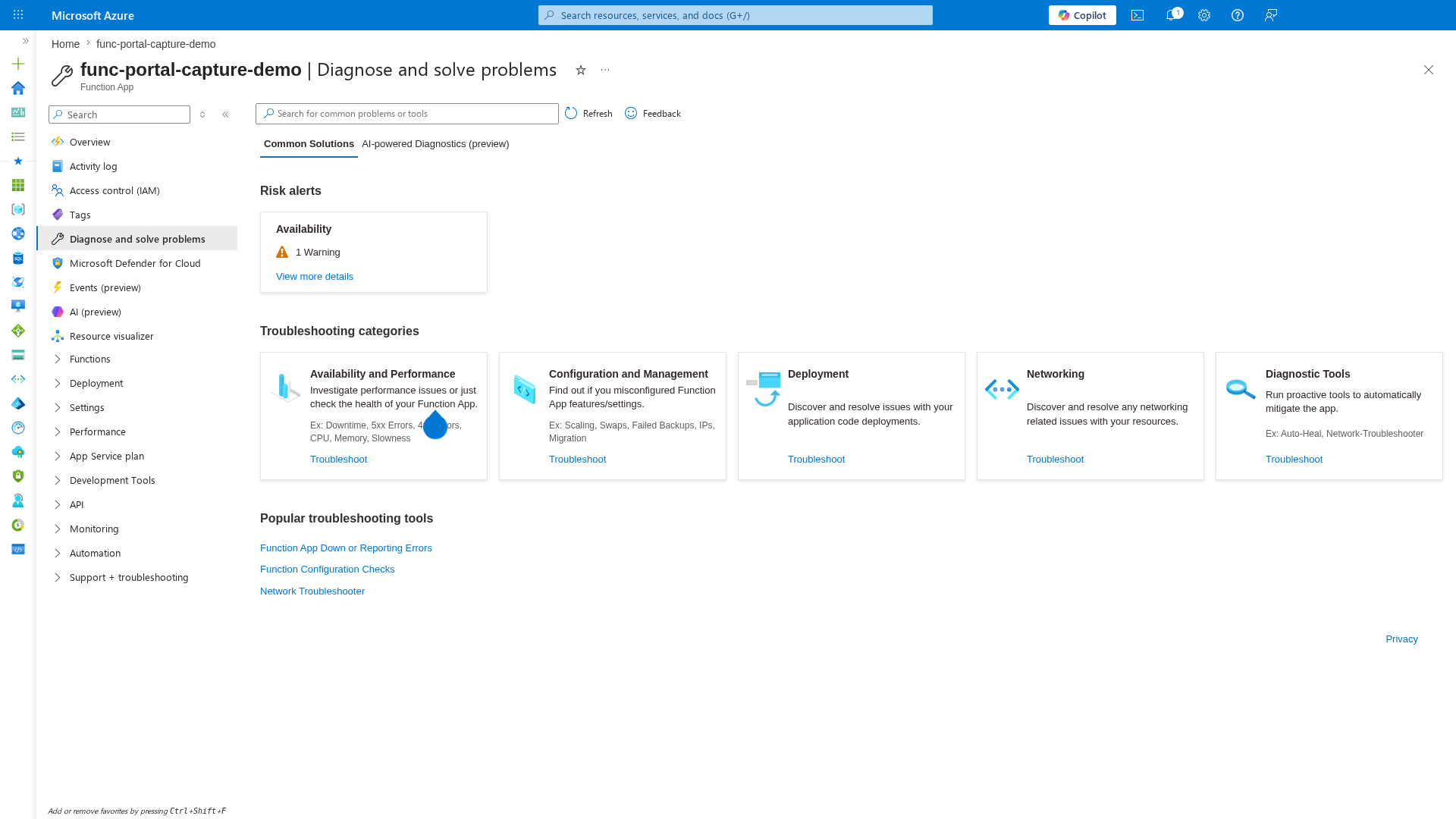
Diagnose and Solve Problems
[Observed] The Diagnose and solve problems blade provides automated detection of trigger and execution issues:
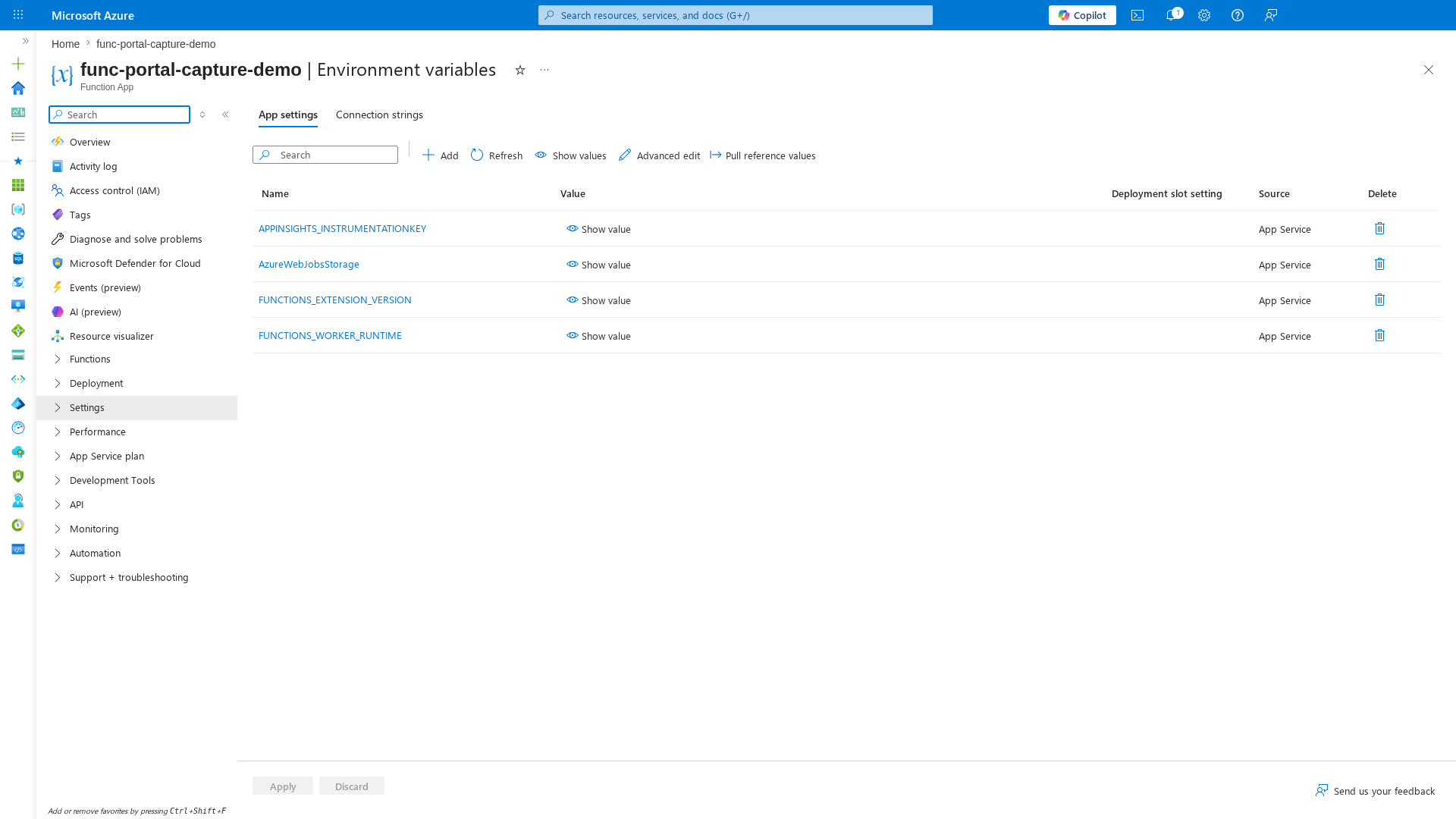
Environment Variables
[Observed] The Environment variables blade shows connection strings and trigger configuration. Missing or incorrect values here are the most common cause of triggers not firing:
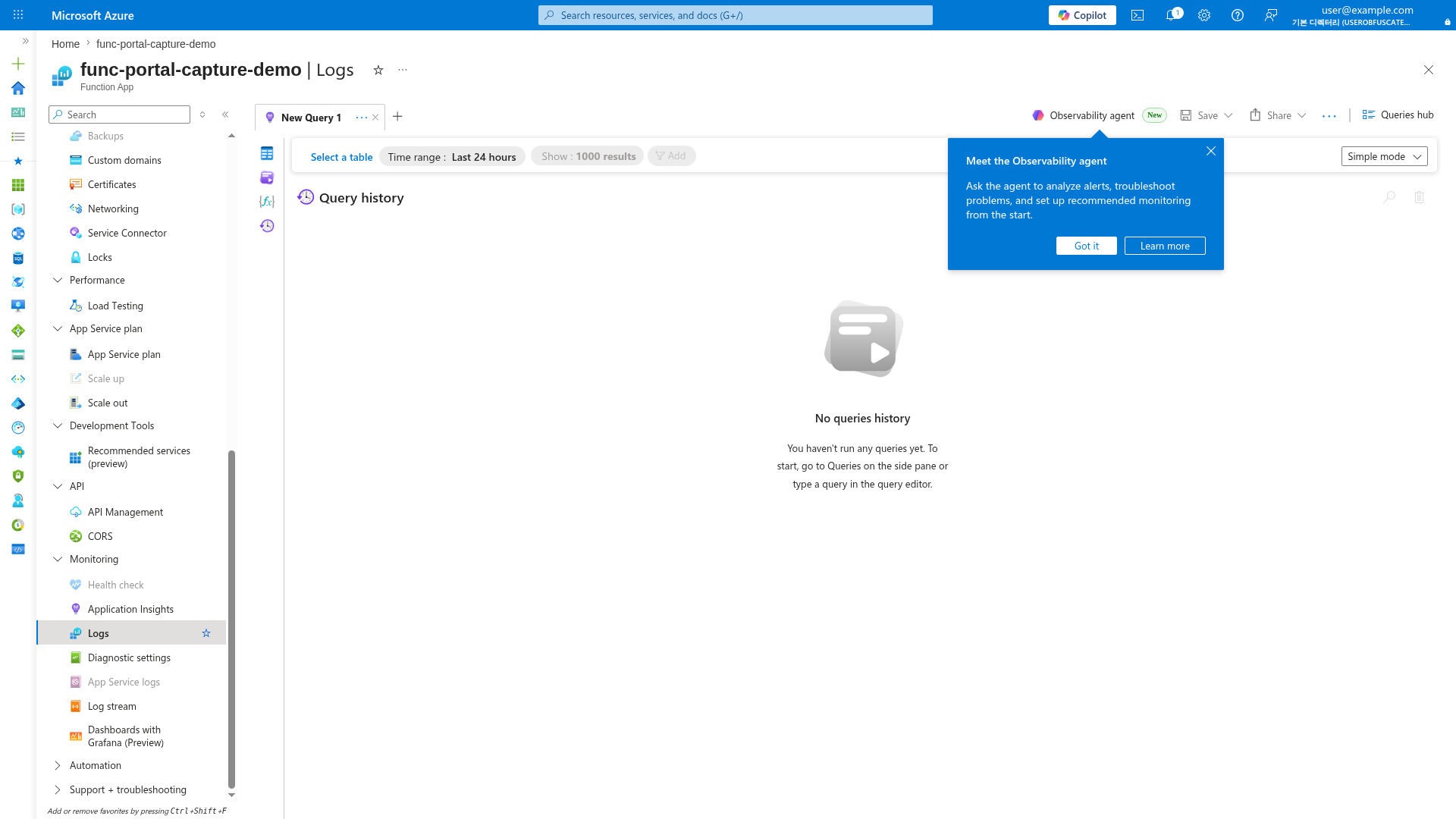
Logs (KQL Query Editor)
[Observed] The Logs blade provides direct KQL access to FunctionAppLogs and traces tables for diagnosing trigger listener failures:
Prerequisites
- Azure CLI access to the production subscription.
- Access to Application Insights and Log Analytics.
- Health endpoint implemented at
GET /api/health.
Set shared variables:
RG="rg-myapp-prod"
APP_NAME="func-myapp-prod"
SUBSCRIPTION_ID="<subscription-id>"
APP_INSIGHTS_NAME="appi-myapp-prod"
WORKSPACE_ID="xxxxxxxx-xxxx-xxxx-xxxx-xxxxxxxxxxxx"
STORAGE_NAME="stmyappprod"
EH_NAMESPACE="evh-myapp-prod"
flowchart TD
    A[Trigger not firing] --> B["Check platform/regional incidents"]
    B --> C[Check function enabled state]
    C --> D{Enabled?}
    D -->|No| E["Re-enable function/app setting"]
    D -->|Yes| F[Check listener startup traces]
    F --> G{Listener healthy?}
    G -->|No| H["Fix auth/config startup issue"]
    G -->|Yes| I[Check source activity and publisher]
1) Check Azure status and regional incidents
Rule out platform-wide issues first.
Check in Portal
Azure portal → Service Health → Health advisories.
Filter for the production region and services: Azure Functions, Storage, Azure Monitor.
Check with Azure CLI
az account set --subscription "$SUBSCRIPTION_ID"
az monitor activity-log list \
  --subscription "$SUBSCRIPTION_ID" \
  --resource-group "$RG" \
  --offset 1h \
  --max-events 20 \
  --output table

az rest --method get \
  --url "https://management.azure.com/subscriptions/$SUBSCRIPTION_ID/providers/Microsoft.ResourceHealth/events?api-version=2022-10-01&\$filter=eventType eq 'ServiceIssue' and status eq 'Active'"
| CLI element | Explanation |
|---|---|
| Command(s) | az account set, az monitor activity-log list, az rest |
| Key flags | --subscription, --resource-group, --offset, --max-events, --output, --method, --url |
| Variables | $SUBSCRIPTION_ID, $RG, $filter |
| Expected result | Azure CLI applies the configuration change; confirm the returned JSON or follow-up query shows the expected value. |
How to Read This
| Signal | Interpretation | Action |
|---|---|---|
| No platform-originated events | Likely app/dependency/local change | Continue to Step 2 |
Microsoft.Web/sites/Restarted + Cause=Platform | Platform event, not app deploy | Track Service Health advisory |
| Multiple infrastructure operations in same window | Possible platform turbulence | Correlate with regional advisories |
2) Check function enabled state
The most common (and most overlooked) cause of zero invocations is a disabled function.
Check with Azure CLI
az functionapp function list \
  --name "$APP_NAME" \
  --resource-group "$RG" \
  --output table

az functionapp config appsettings list \
  --name "$APP_NAME" \
  --resource-group "$RG" \
  --query "[?contains(name, 'AzureWebJobs') || contains(name, 'DISABLE')]" \
  --output table
| CLI element | Explanation |
|---|---|
| Command(s) | az functionapp function list, az functionapp config appsettings list |
| Key flags | --name, --resource-group, --output, --query |
| Variables | $APP_NAME, $RG |
| Expected result | Azure CLI applies the configuration change; confirm the returned JSON or follow-up query shows the expected value. |
Example Output
Name             Trigger    IsDisabled
---------------  ---------  ----------
QueueProcessor   queue      true
health           http       false

Name                                 Value
-----------------------------------  ----------
AzureWebJobs.QueueProcessor.Disabled true
How to Read This
| Signal | Interpretation | Action |
|---|---|---|
IsDisabled = true | Function explicitly disabled | Remove disable setting and restart |
AzureWebJobs.<FunctionName>.Disabled = true | App setting disabling function | Delete the app setting |
| All functions enabled | Cause is not disable state | Continue to Step 3 |
3) Check trigger listener health
Verify that trigger listeners started successfully after the most recent host startup.
Check with KQL
let appName = "func-myapp-prod";
traces
| where timestamp > ago(30m)
| where cloud_RoleName =~ appName
| where message has_any ("listener", "Host started", "unable to start", "trigger", "Starting Host")
| project timestamp, severityLevel, message
| order by timestamp desc
Example Output
# Healthy
timestamp                    message
---------------------------  ----------------------------------------------
2026-04-04T11:32:26Z         Host started (64ms)
2026-04-04T11:32:26Z         Job host started
2026-04-04T11:32:26Z         Listener started for function 'QueueProcessor'

# Unhealthy
timestamp                    message
---------------------------  ----------------------------------------------
2026-04-04T11:32:26Z         Starting Host (HostId=func-myapp-prod)
2026-04-04T11:32:46Z         Listener for function 'QueueProcessor' was unable to start
2026-04-04T11:32:46Z         The listener for function 'QueueProcessor' was unable to start. Azure.Storage: 403
How to Read This
| Signal | Interpretation | Action |
|---|---|---|
Listener started present | Trigger listener healthy | Check source-side activity |
unable to start with 403 | Storage auth failure | Check managed identity and RBAC |
| No listener messages at all | Host may not have completed startup | Check host lifecycle logs |
4) Check trigger source activity
Confirm events are actually arriving at the trigger source.
Check with Azure CLI
# Queue trigger: check queue message count
az monitor metrics list \
  --resource "/subscriptions/$SUBSCRIPTION_ID/resourceGroups/$RG/providers/Microsoft.Storage/storageAccounts/$STORAGE_NAME" \
  --metric "QueueMessageCount" \
  --interval PT1M \
  --aggregation Average \
  --offset 30m \
  --output table

# Event Hub trigger: check incoming messages
az monitor metrics list \
  --resource "/subscriptions/$SUBSCRIPTION_ID/resourceGroups/$RG/providers/Microsoft.EventHub/namespaces/$EH_NAMESPACE" \
  --metric "IncomingMessages" \
  --interval PT1M \
  --aggregation Total \
  --offset 30m \
  --output table
| CLI element | Explanation |
|---|---|
| Command(s) | az monitor metrics list |
| Key flags | --resource, --metric, --interval, --aggregation, --offset, --output |
| Variables | $SUBSCRIPTION_ID, $RG, $STORAGE_NAME, $EH_NAMESPACE |
| Expected result | Azure CLI returns the requested resource data; verify names, IDs, status fields, or metric values match the scenario. |
How to Read This
| Signal | Interpretation | Action |
|---|---|---|
| Messages present in source | Source is active, function should be processing | Listener or host issue |
| Zero messages in source | No work to process | Investigate upstream publisher |
| Blob trigger with no Event Grid subscription | FC1 blob trigger requires Event Grid | Create Event Grid subscription |
5) Check recent deployments and configuration changes
az monitor activity-log list \
  --resource-group "$RG" \
  --offset 2h \
  --status Succeeded \
  --output table

az functionapp config appsettings list \
  --name "$APP_NAME" \
  --resource-group "$RG" \
  --output table
| CLI element | Explanation |
|---|---|
| Command(s) | az monitor activity-log list, az functionapp config appsettings list |
| Key flags | --resource-group, --offset, --status, --output, --name |
| Variables | $RG, $APP_NAME |
| Expected result | Azure CLI applies the configuration change; confirm the returned JSON or follow-up query shows the expected value. |
How to Read This
| Signal | Interpretation | Action |
|---|---|---|
| Deploy/config change immediately before failure | High-confidence regression candidate | Prepare rollback |
| No change events in incident window | Runtime/dependency/platform cause | Continue deeper investigation |
FUNCTIONS_WORKER_RUNTIME changed or missing | Function discovery will fail | Restore correct runtime value |
Fast routing after triage
| What you see | Likely area | Next action |
|---|---|---|
| Function disabled | Configuration | Re-enable and verify |
| Listener failed to start | Auth/connection | Use Managed Identity / RBAC Failure playbook |
| Source has no events | Upstream publisher | Investigate publisher and subscription |
| Host not starting | Startup/config | Use App Settings Misconfiguration playbook |
| Recent deploy correlates | Regression | Roll back, then follow Methodology |