Azure Cache for Redis Integration
This recipe shows how to integrate Azure Cache for Redis with a Node.js Express application for session storage and data caching.
Overview
Redis is an in-memory data store frequently used as a cache or session provider. On Azure App Service, a shared session state (via Redis) is required if you are using multiple instances (scale-out) or need persistent sessions during redeployments.
Architecture
flowchart TD
    Client[Client] --> App[App Service]
    App --> Redis[Azure Cache for Redis]
    App -.-> MI[Managed Identity]
    MI -.-> Entra[Microsoft Entra ID]
How to read this diagram: Solid arrows show runtime data flow. Dashed arrows show identity and authentication.
Prerequisites
- Azure Cache for Redis instance
- Azure App Service with Node.js
- Access key or connection string for the Redis instance
Implementation
1. Install Dependencies
2. Basic Redis Setup
const Redis = require('ioredis');

// Connect using REDIS_CONNECTION_STRING from App Service configuration
const redisClient = new Redis(process.env.REDIS_CONNECTION_STRING, {
  tls: {
    // Azure Cache for Redis uses valid TLS certificates;
    // the default (rejectUnauthorized: true) is correct and secure.
  },
  // Ensure the connection is kept alive
  keepAlive: 1000,
  retryStrategy: (times) => Math.min(times * 50, 2000)
});

redisClient.on('error', (err) => console.error('Redis Client Error', err));

module.exports = redisClient;
3. Session Storage with express-session
const express = require('express');
const session = require('express-session');
const RedisStore = require('connect-redis').default;
const redisClient = require('./redis-client');

const app = express();

app.use(session({
  store: new RedisStore({ client: redisClient }),
  secret: process.env.SESSION_SECRET || 'keyboard cat',
  resave: false,
  saveUninitialized: false,
  cookie: {
    secure: true, // Recommended for App Service (HTTPS by default)
    httpOnly: true,
    maxAge: 86400000 // 1 day
  }
}));
4. Caching Patterns
async function getCachedData(key, fetchFn) {
  const cachedValue = await redisClient.get(key);
  if (cachedValue) {
    return JSON.parse(cachedValue);
  }

  const freshData = await fetchFn();
  await redisClient.set(key, JSON.stringify(freshData), 'EX', 3600); // 1-hour expiration
  return freshData;
}
Verification
Test the integration by logging session data or reading/writing to Redis:
# Set environment variables
az webapp config appsettings set --name $APP_NAME --resource-group $RG --settings REDIS_CONNECTION_STRING="rediss://:<key>@<host>:6380" SESSION_SECRET="super-secret" --output json
Troubleshooting
- Connection Refused (6380): Ensure you are using
rediss://(with an extra 's') to specify SSL/TLS connection. - Session Loss: If your app scales to multiple instances, ensure all instances point to the same Redis instance for session state.
- Performance: Monitor Redis metrics in the Azure Portal. High latency might indicate a need for a larger Redis SKU or colocating your Redis and App Service in the same region.
Advanced Topics
Coming Soon
Run It in the Portal
Portal view: Identity blade (optional Microsoft Entra authentication path)
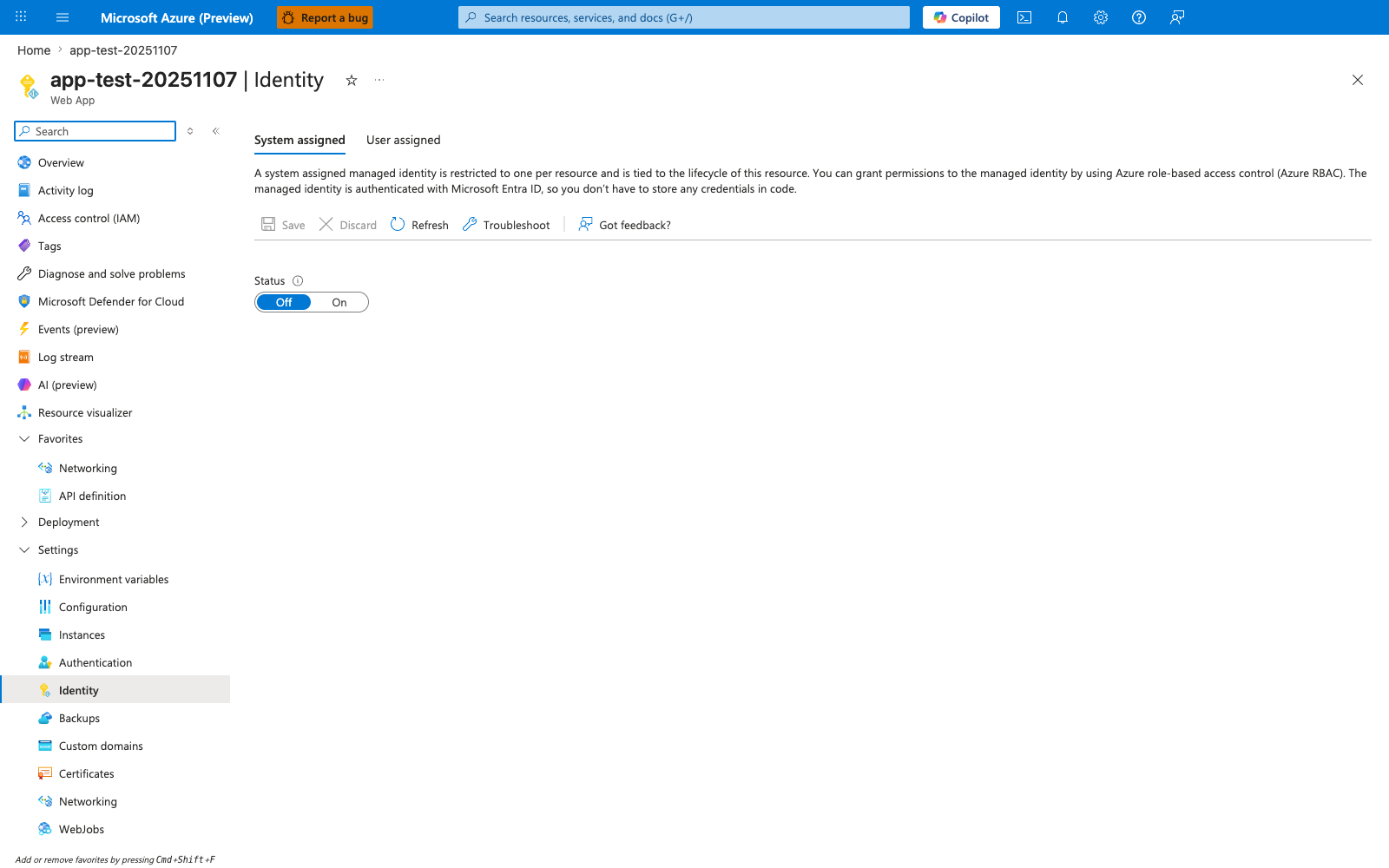
The Identity blade visible here is relevant only if you switch this recipe from the default REDIS_CONNECTION_STRING key-based flow to a Microsoft Entra-authenticated Redis connection. In the visible pre-enable state, System assigned is selected and Status is still Off; turning it On is the Portal step that creates the app identity before any Redis-side Entra mapping can be granted. For the recipe's default flow, keep using the REDIS_CONNECTION_STRING app setting with the ioredis new Redis(process.env.REDIS_CONNECTION_STRING, {...}) configuration shown above.